Where to Sell Old Company MacBooks — and What to Do Before You Sell Them
The short answer: Sell them as one batch to a buyer who gives you a single itemized offer and pays fast — a bulk Apple buyer for working 2020-and-newer Macs, or an IT asset disposal company if the lot is old or broken. Before anyone can buy them, your IT admin has to release each Mac from Apple Business Manager and your MDM, and clear Activation Lock. Skip that and the Mac locks itself back to your company the moment it is erased, and no honest buyer can take it.
Paid the same day. Every time.
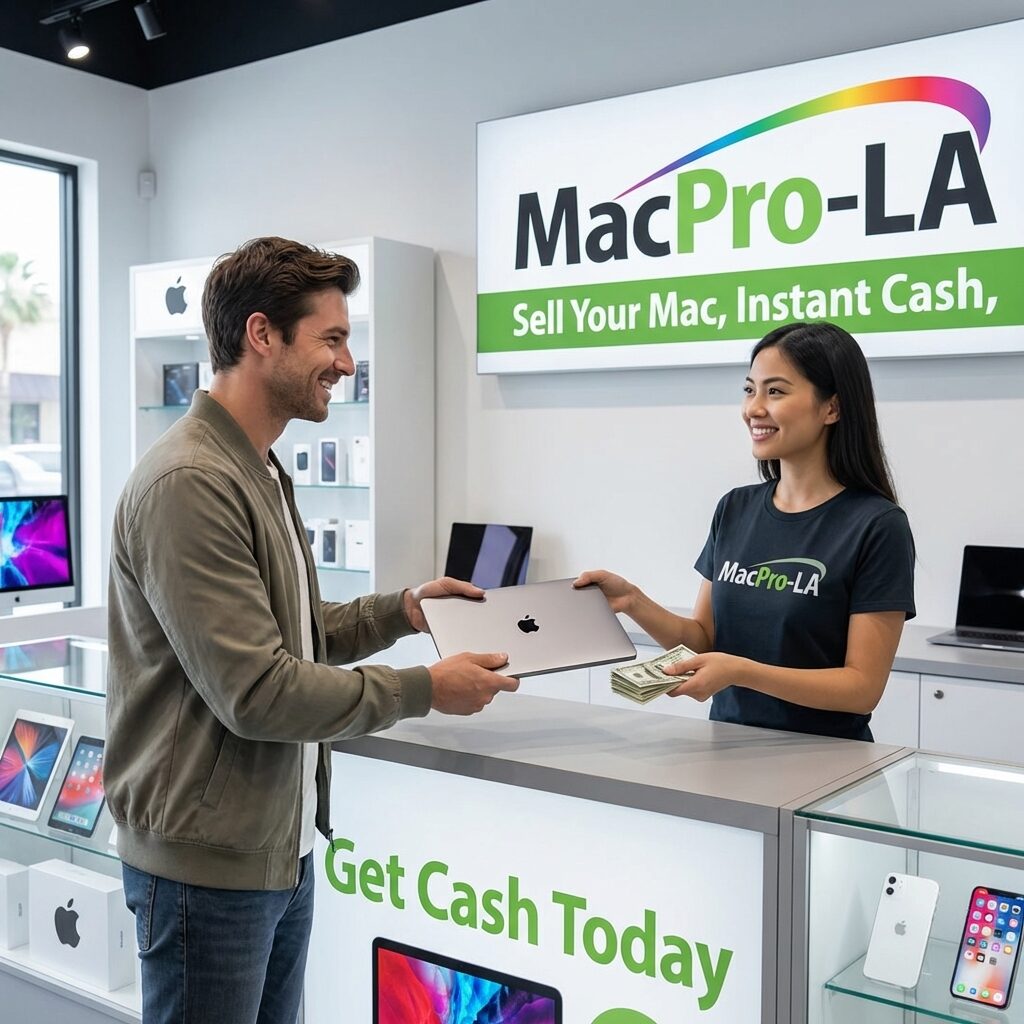
- Walk in, walk out with cash. No shipping, no waiting. Usually 10–15 minutes at our Hollywood store.
- Ship it to us and we pay the day it arrives. Not 3 to 7 days later like the national buyback sites — the same day we get it.
- Insured both ways, for the full offer amount. Free FedEx label to us, and free insured return if you say no. No hassle.
One list, one itemized offer, one payment.
"Anyone know where to sell old company MacBooks?" comes up on Reddit every time a company refreshes its laptops. Usually it is an office manager or an IT person with 10, 30 or 50 MacBooks in a closet, and nobody whose job it is to get rid of them.
The good news: working Apple silicon MacBooks still have real value. The catch: finding a buyer is the easy part. Most of the work is getting the machines into a state where someone can legally and technically buy them. Do these five steps first and the sale takes a day. Skip them and the Macs go back in the closet.
Step 1: Release Them From Apple Business Manager
If your company bought its Macs from Apple or an authorized reseller, they are probably in Apple Business Manager (Apple School Manager for schools). That is what makes a brand-new Mac set itself up with your company's settings straight out of the box.
It also means this: erase one of those Macs and, on first setup, it shows a "Remote Management" screen and enrolls itself back into your company's MDM. To a buyer, that Mac is unsellable. It does not matter how clean the wipe was.
The fix is a few minutes of admin work. Someone with an administrator or device manager role signs in at business.apple.com, finds the machines by serial number, and releases them from the organization. Treat a release as permanent, so do it only for the machines you are actually selling.
Step 2: Remove Them From Your MDM
Jamf, Kandji, Mosyle, Intune, whatever you use — remove each Mac from it so it stops pushing profiles and restrictions. If you want the MDM to send the erase command, send it before you delete the device record.
While you are in there, clear Recovery Lock on Apple silicon Macs, or the firmware password on any 2020 Intel Macs, if your MDM set one. A buyer cannot get past either.
Step 3: Clear Activation Lock
This is the one that strands the most company Macs. When an employee signs in to Find My with their personal Apple ID, the Mac is locked to them, not to the company. Erasing it does not remove the lock.
- Best: have the employee sign out of their Apple ID (System Settings → their name → Sign Out) on their last day, before they hand the laptop back.
- If your MDM supervised the Mac, it may hold an Activation Lock bypass code. Check before you remove the device from MDM.
- Otherwise, Apple Support can remove Activation Lock for the owner with proof of purchase. That is slow, so start early.
The real lesson: clear it while the person still works there. Chasing a former employee for an Apple ID password six months later is how laptops end up in a closet.
Step 4: Wipe Them
On Apple silicon and T2 Macs running macOS Monterey or later, use System Settings → General → Transfer or Reset → Erase All Content and Settings. The drive is encrypted, so the erase destroys the key. It takes minutes and the old data cannot be recovered. Full steps are in our guide on how to erase a Mac before selling.
If compliance needs paper, ask the buyer for an itemized receipt with every serial number and data destruction documentation. A serious buyer has a standard form for this. If they do not know what you mean, that tells you something.
Step 5: Build a One-Page List
The fastest quotes come from a simple spreadsheet. Most MDMs can export nearly all of this in one click:
| Column | Why it matters |
|---|---|
| Serial number | Confirms the exact model and goes on your disposal records |
| Model and year | e.g. 14-inch MacBook Pro, M1 Pro, 2021 |
| Chip, memory, storage | The biggest single factor in price |
| Condition | Screen, case, keyboard — honest notes save re-quotes later |
| Battery cycle count or health | High-cycle batteries lower the value |
| Released from ABM / MDM? Activation Lock off? | A "no" here means it cannot be sold yet |
Where to Sell Them: Every Option, Honestly
| Option | Best for | The catch |
|---|---|---|
| Bulk Apple buyer | 5 to 500 working 2020-and-newer Macs | Machines must be released and unlocked first |
| Sell to employees | A handful of machines, goodwill | Slow, still needs every release step, and price talks get awkward |
| eBay / Marketplace, one at a time | Squeezing out the most per unit | 30 listings, 30 buyers, scams and returns — someone's whole month |
| Apple trade-in credit | If you are buying the replacement fleet from Apple anyway | Credit, not cash. Ask your Apple business rep what applies |
| IT asset disposal / recycler | Broken, pre-2020, or mixed lots with PCs | Pays little or charges a fee, but takes everything |
Be honest with yourself about what is in the closet. We do not buy broken or pre-2020 machines. If that is most of your lot, an IT asset disposal company is the right call, and you should use one.
What Company MacBooks Are Actually Worth
These are the top-configuration values from our own model pages, September 2026. They are an "up to" for the highest configuration in excellent condition. Office fleets are often base models (8GB or 16GB, 256GB), and those come in lower. Your itemized offer prices every machine on its real specs.
| Model | Top-configuration value, up to |
|---|---|
| 13-inch MacBook Air, M1 (2020) | $600 |
| 13-inch MacBook Air, M2 (2022) | $850 |
| 15-inch MacBook Air, M2 (2023) | $1,000 |
| 13-inch MacBook Air, M3 (2024) | $1,050 |
| 14-inch MacBook Pro, M1 Pro (2021) | $1,500 |
| 16-inch MacBook Pro, M1 Pro (2021) | $1,700 |
| 14-inch MacBook Pro, M2 Pro (2023) | $1,800 |
| 14-inch MacBook Pro, M3 Pro (2023) | $2,100 |
Every other model is on the Mac trade-in values page. Volume helps: larger batches in consistent condition can earn a better per-unit price.
How We Buy Company Macs in Los Angeles
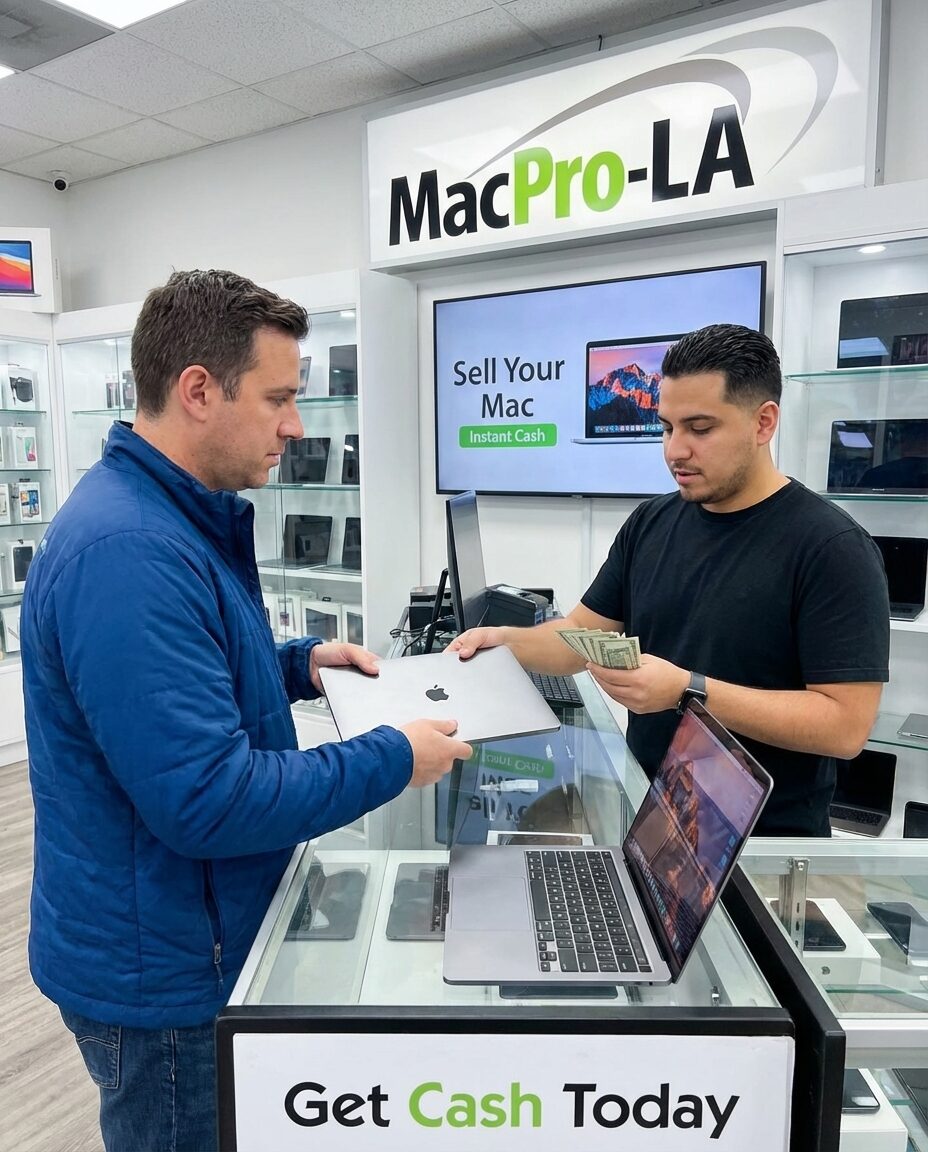
- Send your list. Use the bulk quote form. You get one itemized offer, line by line, usually within a few hours on business days. Very large lots can take up to a day.
- Drop off or we pick up. Bring them to 1947 N. Cahuenga Blvd. #104, Hollywood, or we collect 10 or more machines free anywhere in LA.
- Wiped and documented. A certified wipe on every drive, plus an itemized receipt with every serial number and the payout per unit, ready for accounting and IT disposal records. A W-9 is available. If you could not wipe them first, we handle it.
- Paid fast. Drop-offs are paid the same day. Fleets we collect are paid the same day, or within 24 hours at the latest, by cash, Zelle, wire or business check.
- Outside LA? Free FedEx labels, insured for the full offer amount, and we pay the day the machines arrive.
The one thing we need from you: every Mac working, 2020 or newer, released from Apple Business Manager and your MDM, with Activation Lock off. For a fleet deal, call (323) 378-5603 and ask for Ray.
Get a bulk quote for your company Macs →
What We Buy
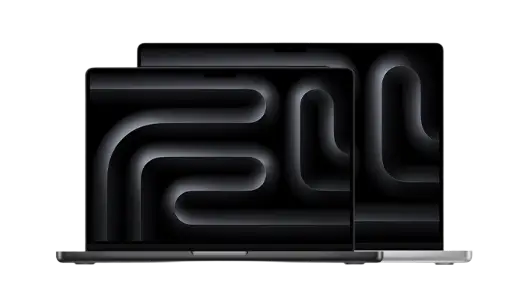
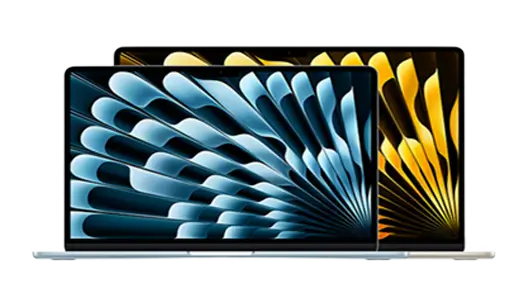
Working Macs, iPhones and iPads from 2020 and newer.

Common Questions
Can I sell a MacBook that is still enrolled in company MDM?
Not to an honest buyer. A Mac in Apple Business Manager re-enrolls in the company MDM the moment it is erased and set up again. An admin has to release it from Apple Business Manager and remove it from the MDM first.
How do I remove a Mac from Apple Business Manager?
An administrator or device manager signs in at business.apple.com, finds the Mac by serial number and releases it from the organization. Treat it as permanent and only release the Macs you are selling.
Do I need to wipe company Macs before selling them?
Yes. On Apple silicon and T2 Macs use Erase All Content and Settings in System Settings, General, Transfer or Reset. Ask the buyer for an itemized receipt with serial numbers and data destruction documentation for your records.
My old employer let me keep my MacBook but it is still locked. Can I sell it?
Not until the company releases it. Send their IT team the serial number and ask them to release it from Apple Business Manager and their MDM, and to clear any Activation Lock.
Do you buy company Macs in bulk?
Yes. We buy fleets of 5 or more working Macs from 2020 or newer with one itemized offer, free pickup for 10 or more in Los Angeles, fast payment, and free insured FedEx from anywhere in the US.