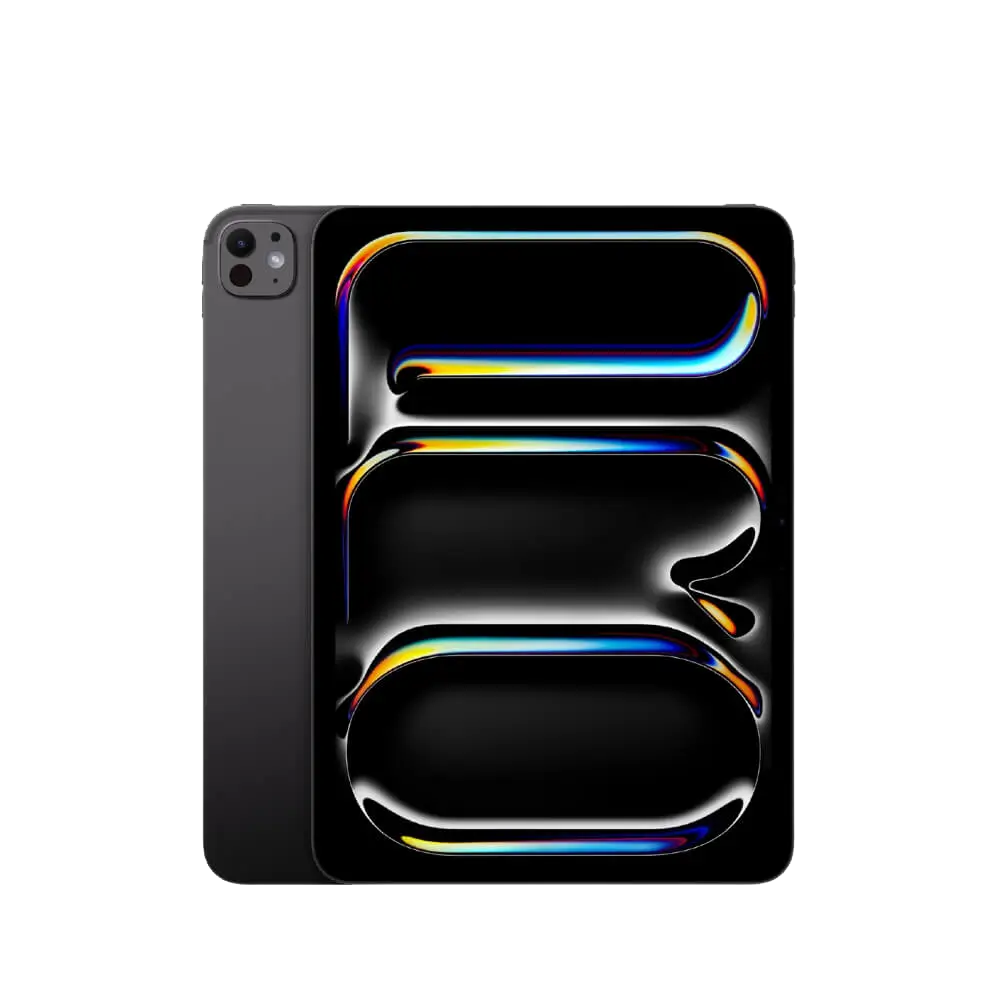
Home › Sell iPad › iPad Pro M5 13" (2025)
iPad Pro M5 13" (2025) Quick Facts
Check the exact model and capacity in Settings before requesting a quote for your iPad Pro M5 13" (2025). The captured up-to quote uses this actual configuration and condition witness: Condition: Flawless; Storage (GB): 1024. Pricing captured at 2026-10-01T17:40:24.026Z. Your device must match the quoted details; other configurations and conditions can receive different offers.
Model
Select iPad Pro M5 13" (2025) when requesting your quote. Confirm the model name in Settings > General > About.
Display
Check the tablet's touchscreen for cracks, display faults, and touch response. Describe its actual condition in your quote.
Battery
Confirm that the device powers on, charges normally, and holds a charge. Report any battery service warnings.
Storage
Read the capacity in Settings > General > About. Quote the installed capacity, not the amount of free space.
Connectivity
Confirm whether your iPad is Wi-Fi only or supports cellular service. Use the matching option in your quote.
Identifiers
Confirm the model number in Settings > General > About. Do not post your serial number or IMEI publicly.
What Affects Your Payout
Your quote is based on the exact iPad, storage capacity, and condition, rather than a generic tablet value. Account locks can prevent eligibility. The captured up-to quote uses this actual configuration and condition witness: Condition: Flawless; Storage (GB): 1024. Pricing captured at 2026-10-01T17:40:24.026Z. Your device must match the quoted details; other configurations and conditions can receive different offers.
Battery Health
Charging behavior, battery performance, and any service warnings are checked during inspection.
Screen Condition
The display and touchscreen should work correctly without cracks, major bright spots, or touch faults.
Storage Size
Confirm the capacity shown in Settings so the quote reflects your actual iPad configuration.
Unlocked and Signed Out
Sign out of your Apple Account, disable Find My, and clear Activation Lock before the device is mailed or brought in.
Sell by Mail Anywhere in the USA
Anywhere in the USA — free insured FedEx shipping label. Payment is sent the same day we receive your iPad—or the next day at the very latest—with no 3-day processing wait and no extra fee for fast payment.
Request your quote, pack the working iPad securely, and use the prepaid label. We inspect the tablet when it arrives and complete an accepted mail-in payment by PayPal or bank transfer. Cash, Zelle, and Venmo options are also available where applicable.
Get Your Quote
Submit the model, storage, connectivity, battery, and condition details for your device.
Ship Free
Use the prepaid insured FedEx label from anywhere in the United States.
Get Paid
After inspection confirms the submitted details, payment is sent the same day we receive your iPad—or the next day at the very latest—with no 3-day processing wait and no extra fee for fast payment. Accepted payments are sent by PayPal or bank transfer.
Los Angeles Walk-In Option
Prefer to sell in person? Bring the working iPad to our Hollywood store for inspection. Accepted walk-in offers are paid the same day by Cash, Zelle, or Venmo.
1947 N. Cahuenga Blvd. #104
Hollywood, CA 90068
(323) 378-5603
Hours: Mon–Fri 9am–5pm · Sat 10am–2pm · Sun Closed
Get Directions →
Related iPad Values and Selling Resources
iPad Pro M5 13" (2025) Seller Questions
How much can I get for my iPad Pro M5 13" (2025)?
An eligible working iPad Pro M5 13" (2025) can receive up to $945. The exact offer depends on storage, connectivity, battery performance, screen condition, overall condition, and current demand.
Can I sell this iPad from outside Los Angeles?
Yes. We serve sellers anywhere in the USA with a free insured FedEx shipping label. Payment is sent the same day we receive your iPad—or the next day at the very latest—with no 3-day processing wait and no extra fee for fast payment. Accepted mail-in payments are sent by PayPal or bank transfer.
What should I do before mailing my iPad?
Back up your data, sign out of your Apple Account, turn off Find My, clear Activation Lock, and erase your personal data. For a cellular iPad, remove any physical SIM and arrange transfer or removal of any eSIM with your carrier. The iPad must arrive in working condition and match the model and condition submitted for the quote.
Can I bring my iPad Pro M5 13" (2025) to the Hollywood store?
Yes. Visit 1947 N. Cahuenga Blvd. #104 in Hollywood for an in-person inspection. If you accept the final offer, payment is completed the same day by Cash, Zelle, or Venmo.